Once Clabrate is installed and permissions are granted, your first dictation takes about five minutes — most of which is just getting comfortable. Here’s the happy path.
Try it
- Open a place you can type — Notes is perfect for a first run.
- Click into the note so the cursor is blinking.
- Press and hold the right ⌥ Option key. The Clabrate HUD appears to show it’s listening.
- Say a full sentence, naturally: “This is my first time using Clabrate, and it’s typing while I talk.”
- Release the key. After a brief pause, your sentence types itself into the note.
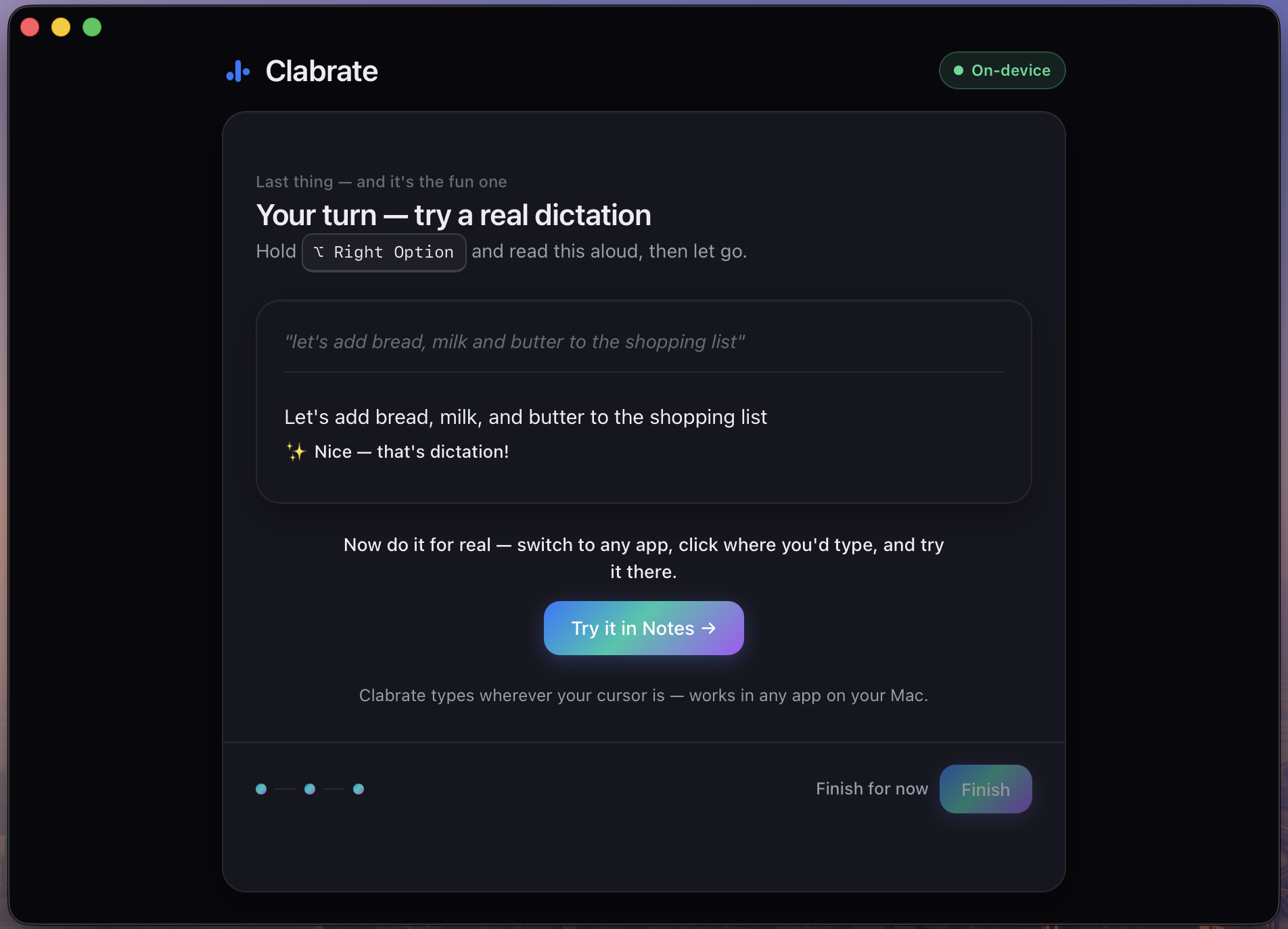 Screenshot pending: first-dictation.png
That’s the whole loop: Hold → Talk → Insert. It works the same way in Slack, Mail, your browser, or your editor.
Tips for a clean first result
- Speak in complete thoughts, not word-by-word. Clabrate transcribes best when you talk the way you’d speak to a person.
- Punctuation is automatic in the default mode — just talk; it figures out sentences and capitalization.
- Don’t rush to release. Finish your sentence, pause for a beat, then let go.
- A short delay after you release is normal. The default Final mode waits until you stop, then inserts accurate, properly-cased text (about 0.7–1 second).
Tip: Prefer not to hold the key down? You can tap it to start, talk hands-free, and tap again to stop. See Dictation basics for hold vs. tap.
Common questions
Nothing appeared — what happened? The most common cause is a missing Accessibility permission, which is what lets Clabrate type into other apps. See Troubleshooting.
It heard me wrong. Speak a little more deliberately, check your microphone in Microphone & audio, and add any names it keeps missing to your vocabulary.
Why the short pause before text appears? That’s Final mode being accurate instead of guessing live. If you’d rather see words stream as you talk, switch to Hybrid mode — see Dictation basics.
Next
- Learn the keys and modes in Dictation basics.
- Make Clabrate polish your words automatically with AI enhancement.